

Samsung AC error codes – Inverter split AR09/12/18/24HSF
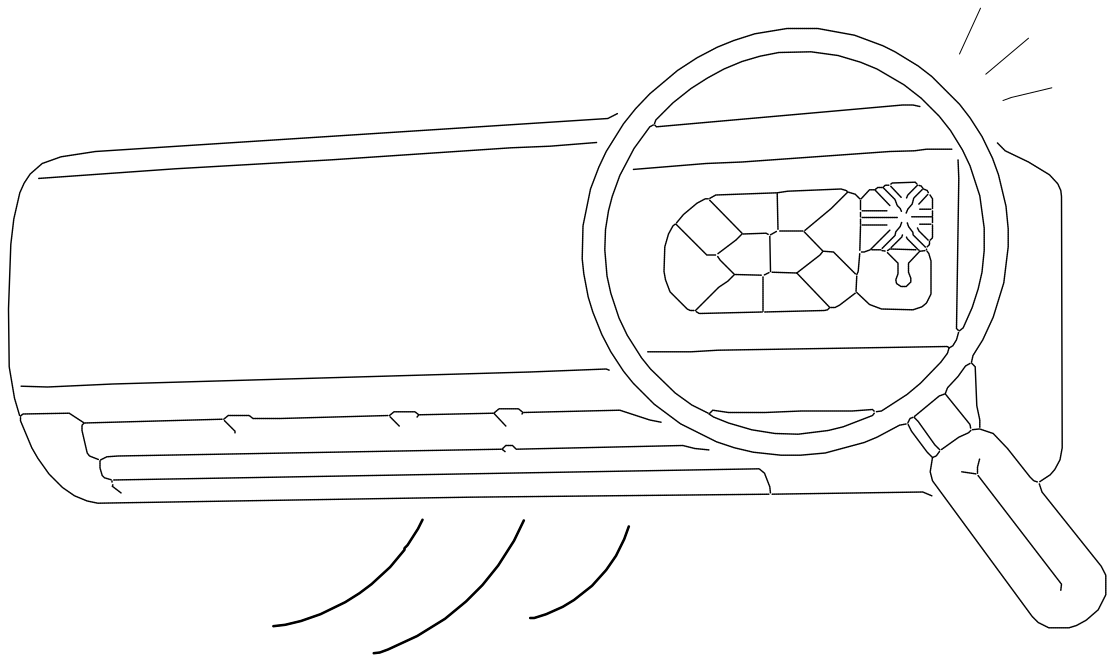
Samsung AC wi-fi led
What it means
Wi-Fi kit status LED: ON = connected; blink 0.5 s = router OK but no internet; blink 3 s = not connected to router; OFF = kit not connected to AC
Usual causes
- Internet down
- Router off / wrong setup
- Kit not connected to indoor unit
What you can safely try
- Switch the AC off at the switch or MCB.
- Wait 5 minutes, then switch on and start it with the remote.
- If Wi-Fi LED comes back, note it and call us. Please don’t open the panels, touch wiring or handle gas.
What our technician checks
- Check router and internet
- Check kit cable
From the Samsung service manual. These checks use meters and live power – for trained technicians only.
About this series: Indoor shows the code on the 7-segment display. Outdoor PBA has 3 LEDs: YEL, GRN, RED (on / off / blinking). Normal outdoor display: RED on, GRN blinking, YEL off.